
Digital Signature Certificate Registration
Fast Processing
A Digital Signature Certificate (DSC) is the electronic equivalent of a physical signature, issued by a licensed Certifying Authority (CA) under the Information Technology Act, 2000. It uses public key cryptography to bind an individual's or organisation's verified identity to a unique digital key, allowing that person to sign electronic documents in a way that is tamper-evident, legally recognised, and admissible before Indian courts and government authorities.
A Note on Digital Signature Certificate (DSC)
Salient Features, Usages, Documents Required, Registration Process and Frequently Asked Questions
A Digital Signature Certificate (DSC) is the electronic equivalent of a physical signature, issued by a licensed Certifying Authority (CA) under the Information Technology Act, 2000. It uses public key cryptography to bind an individual's or organisation's verified identity to a unique digital key, allowing that person to sign electronic documents in a way that is tamper-evident, legally recognised, and admissible before Indian courts and government authorities.
In India, the Controller of Certifying Authorities (CCA), functioning under the Ministry of Electronics and Information Technology, licenses and regulates the CAs authorised to issue DSCs — among them eMudhra, Capricorn, Sify, and others.
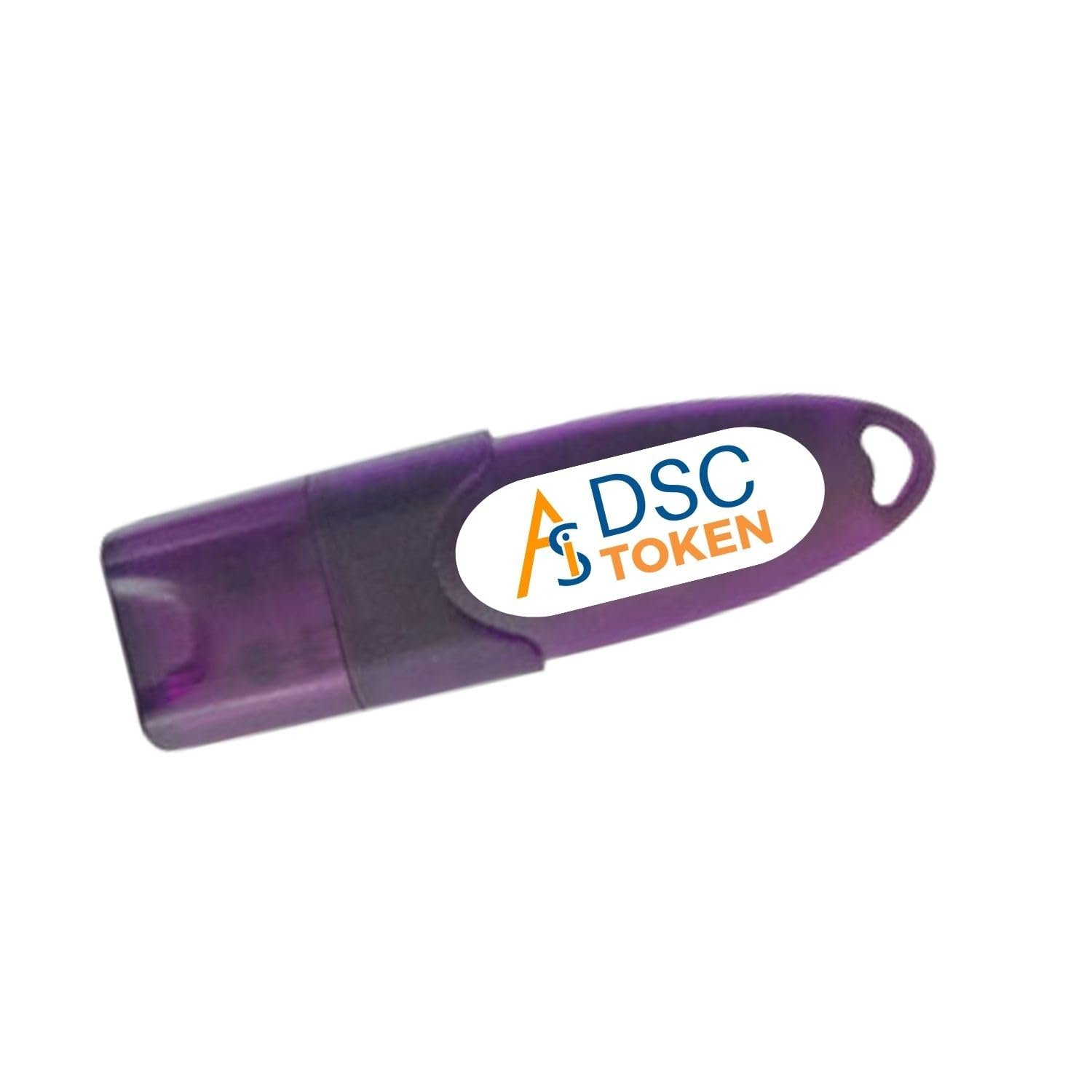
A DSC is issued in the form of a USB cryptographic token (or, increasingly, as a cloud-based signing credential) and is mandatory for a wide range of statutory filings, including company incorporation, income tax and GST returns, customs and foreign trade filings, and participation in government e-tenders.
Mandatory for proposed directors before incorporation (SPICe+, FiLLiP forms) and required for signing annual returns and financial statements on the MCA21 portal.
Corporate entities and entities subject to statutory tax audits must execute ITR filings with a DSC. It is also required for GST registrations, periodic returns, and appeals.
Required for Import Export Code (IEC) registration on the DGFT portal and mandatory for signing shipping bills or bills of entry on the ICEGATE portal.
Bidders must hold a valid Class 3 DSC to participate in public sector tenders, upload documents, and submit secure bids on GeM or the Central Public Procurement Portal.
Documentary mandates remain broadly uniform across certified providers. However, corporate organizational issuances dictate expanded corporate-level verifications.
| Applicant Category | Key Documents & Information Required |
|---|---|
| 4.1 Individual DSC |
• PAN Card of the applicant (primary identity proof for Indian residents). • Aadhaar Card (generally required for Aadhaar-based e-KYC and video verification). • Recent passport-size photograph. • Valid mobile number and active email ID (for OTP verification and status track). • Address proof (Utility bill, bank statement, or Aadhaar itself if requested). |
| 4.2 Organisation DSC |
• PAN Card of the organisation (Company, LLP, Partnership, etc.). • Certificate of Incorporation, Partnership Deed, or equivalent registration document. • PAN and Aadhaar of the specific authorised signatory. • Board Resolution or formal Authorisation Letter empowering the applicant individual. • GST Registration Certificate, where applicable, to validate operational address details. |
| 4.3 Foreign Nationals |
• Valid Passport serving as primary identity proof. • Visa or active residence permit where applicable. • Address proof valid in the country of residence (attested as required by the CA). *Note: Additional notarised or apostilled records apply, and verification timelines range between 3 to 7 business days. |
All supporting files are uploaded electronically and verified via a secure video-based KYC workflow call; physical walk-ins at local office branches remain active optional exceptions.
Select a CCA-licensed Certifying Authority (or partner). Fill out details matching your PAN record, select certificate type (Individual/Organisation), context usage (Signing/Encryption), and choose the desired 1, 2, or 3-year validity window.
Provide scanned identity/address documentation. Complete the online verification via Aadhaar e-KYC or via the portal's integrated camera video-call confirming original records on camera.
Process payments online. Following CA document approval, use the provider's secure token utility software tool to configure and download the certificate down into a portable physical USB cryptographic token, establishing a secure password access PIN.
Map and map-register the newly configured token on destination endpoints (MCA21, GST Common Portal, Income Tax e-filing platform, or ICEGATE) to authorize subsequent system uploads.
Collapsible FAQs (or accordions) let visitors browse questions and click to expand answers, keeping pages uncluttered
With expert Professional support